
Are these free online tools really free?
Yes. All 166 tools are free to use with no signup and no watermark. Most tools run in your browser, so there is nothing to install and no account to create.
A smarter way to work with PDFs, images, text and more.
Start with a favourite, or find something new. 166 tools to make life easier.
24 tools shown
Turn each PDF page into a JPG image.
Combine JPG images into one PDF.
Combine multiple PDFs in your browser.
Split a PDF by ranges, pages, or intervals.
Compress images locally, with automatic resizing for large photos and HEIC support.
Resize images by dimensions or percentage.
Turn images into a PDF document.
Improve grammar, punctuation, and wording.
Summarize long text into concise output.
Switch text between common casing styles.
Count words, characters, and reading time.
Format JSON with readable indentation.
Validate JSON and show exact errors.
Convert currencies using cached live rates.
Create QR codes for text, links, and more.
Convert PDF text into editable Word documents on your device.
Convert DOCX files to PDF in your browser.
Export PDF text into Excel spreadsheets.
Convert spreadsheets into PDF files in your browser.
Convert PDF pages into PowerPoint slides.
Convert PPTX decks into PDFs in your browser.
Combine PNG images into a PDF.
Turn each PDF page into a sharp PNG image.
Reduce PDF size with browser-first compression.
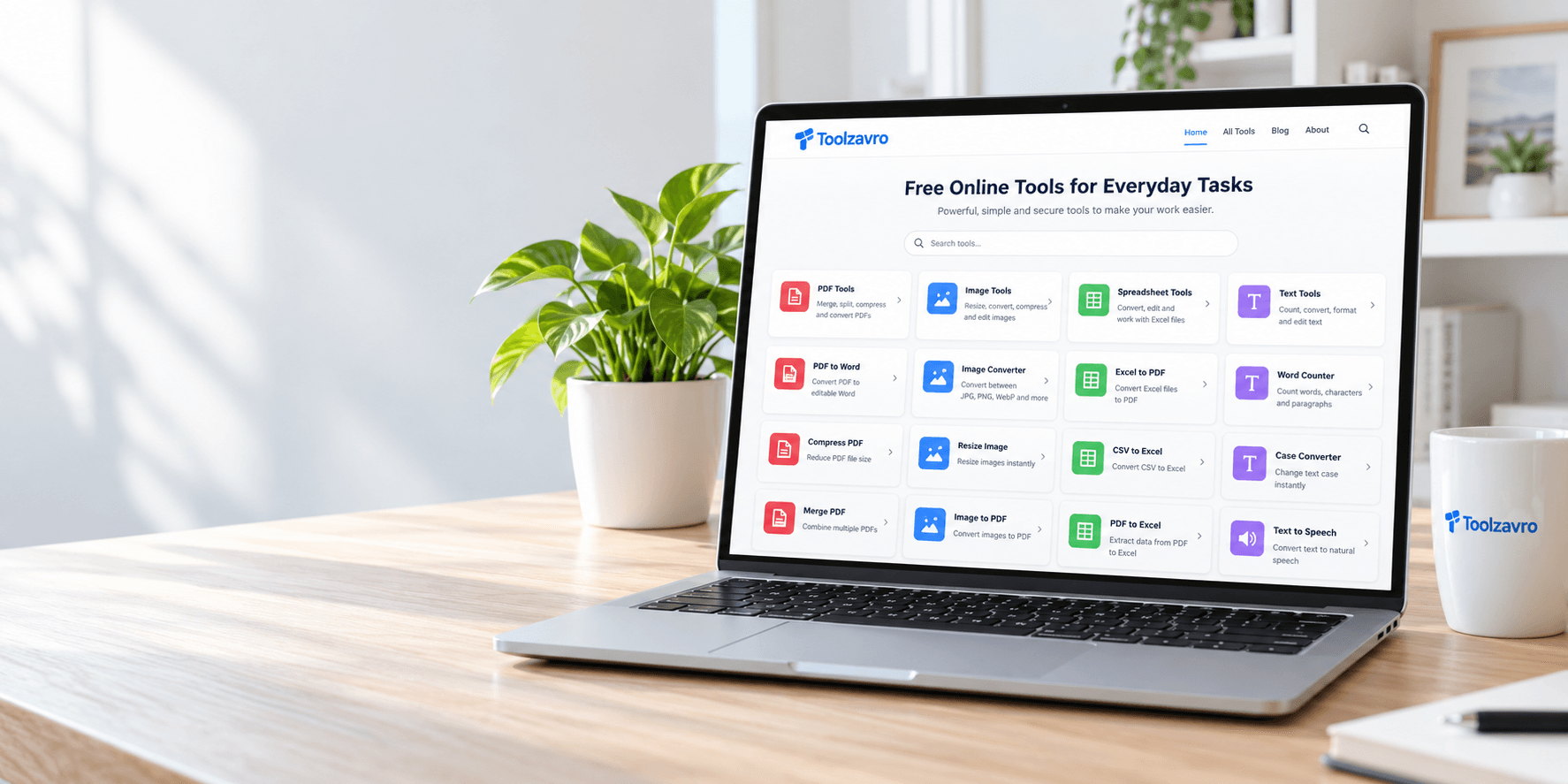
No installs. No sign up. Just open a tool and get the job done.
Browser-first tools.
Clear privacy details.
No account required.
Quick access to the tools you use most.
Choose a tool, see how it works, and stay in control of your input.
Pick the tool you need from 166 tools.
Add your file or text. See each tool’s privacy details before you start.
Download your file or copy the output in seconds.
From PDF and image tools to text, SEO, and developer utilities — everything you need in one place.
Explore All ToolsFree online tools for PDFs, images, text, developers, and everyday calculations — no signup, no watermark, and private by default.
Yes. All 166 tools are free to use with no signup and no watermark. Most tools run in your browser, so there is nothing to install and no account to create.
Most PDF and image tools run entirely in your browser, so your files stay on your device. A tool page always says so when a server option is used instead — choosing it uploads the file to complete that conversion.
No. Every tool works without signing up. Your work stays on your device, and tools such as the notepad save only in your own browser.
Merge PDF, Compress PDF, PDF to Word, image compressor, HEIC to JPG, word counter, JSON formatter, QR code generator, password generator, and the mortgage and loan calculators are among the most used tools on Toolzavro.
One task. One useful tool. A clear next step.
Reduce the file size before sending your document by email or uploading it.
Compress a PDFChoose the dimensions you need for your website, profile or next project.
Resize an imageSee word count, character count and reading time as you type.
Count your words